Evidence to bring together
- The assessment scope, answers and supporting evidence.
- Reviewed findings, unknowns and not-assessed areas.
- Roadmap priorities, cost assumptions and recorded progress.
Reporting & Oversight
Bring assessment findings, improvement plans and progress into a report that helps leaders understand what is known and what needs a decision.
The health check is an indicative questionnaire. Request a demo to discuss the full platform.
Example product view · demonstration data
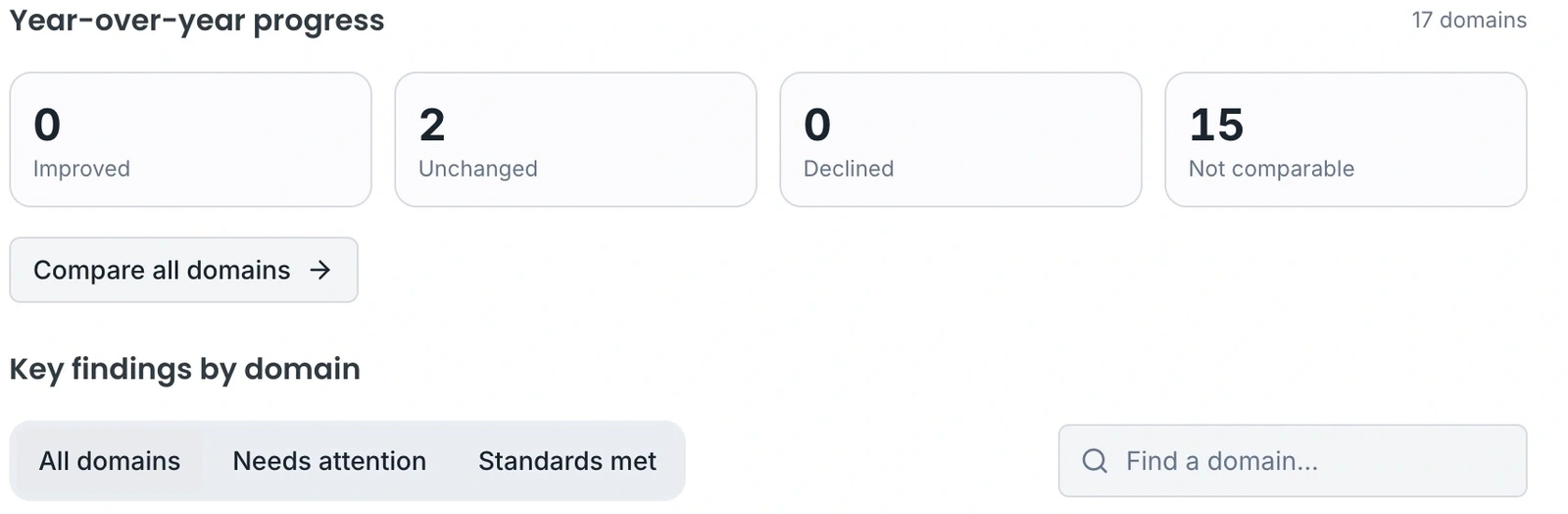
The example keeps reviewed findings and not-assessed areas visible. That context matters more than a completion percentage on its own.
The view uses demonstration data. A report is not independent assurance, a certificate or proof that every control has been tested.
Step 1
Define what school or business leaders, trustees or customers need to understand and decide.
Step 2
Check scope and findings. Keep missing evidence visible and separate estimates from confirmed costs.
Step 3
Use the report with the roadmap to agree responsibilities and revisit progress at the next review.
Understand scope, responsibilities and the next step before you enquire.
No. A report summarises the assessment and evidence supplied. Scope, missing information and professional review determine what conclusions can be supported.
It should remain unknown or not assessed. Review the evidence behind every finding before using it in a leadership or customer discussion.
Identify the organisations and sites in scope, the people who own decisions, your available asset information and the frameworks you want to assess. Discuss any integrations or Windows-agent requirements before enabling them.
Choose material written for your audience. Each sector has its own brief, example and checklist. No form or account needed.
School and MAT technology reviews, DfE evidence, asset priorities and the investment discussion with leaders, governors and trustees.
For Schools, Multi-Academy Trusts
Technology risks, service dependencies, replacement priorities and a costed plan for an IT and finance investment discussion.
For Businesses
The provider customer-review workflow, customer and provider responsibilities, onboarding and the distributor partnership handoff.
For IT providers
Leadership briefing
A teacher needs a new app. The office needs a replacement laptop. A parent asks about online safety. These requests may all involve IT, but they need different people to help.
Article
Two serious PHP security flaws can put websites at risk, even when the pages look normal. Here is how to find out whether you are affected, what to ask your provider and which warning signs to watch for.
Article
The Department for Education's digital standards cover many parts of school IT. You do not need to understand every technical detail before using them. Start with a school need and involve the colleagues who can check it.
Tell us about your organisation, priorities and any existing IT partner. We review your enquiry and pass relevant details to our distributor, who can coordinate a suitable partner or handle larger customers directly.
We will discuss scope and onboarding before access is arranged. This request does not book a demo or activate an account.