Running a Cyber Tabletop Exercise: A Practical Guide for Schools
You cannot learn how to respond to a cyberattack during a cyberattack. How to run a realistic, stress-tested tabletop exercise with your leadership team.
For Schools, Multi-Academy Trusts · asitplan Security Team
Reviewed by Rob Lloyd on
The Context
Most schools have an Incident Response Plan (IRP) saved as a Word document on a shared drive. However, an untested plan is merely a hypothesis. When a severe ransomware attack occurs, panic sets in, and if the leadership team has never practiced their response, the paper plan will immediately fail.
Who This Guide is For
Headteachers, COOs, IT directors, and safeguarding leads.
Why This Matters
During a cyber incident, decisions must be made rapidly under extreme stress: Do we shut down the network? Do we notify parents? How do we access the MIS? If the team hasn't established these protocols in advance, the resulting chaos will significantly extend the school's downtime and increase the risk to safeguarding.
What Good Looks Like
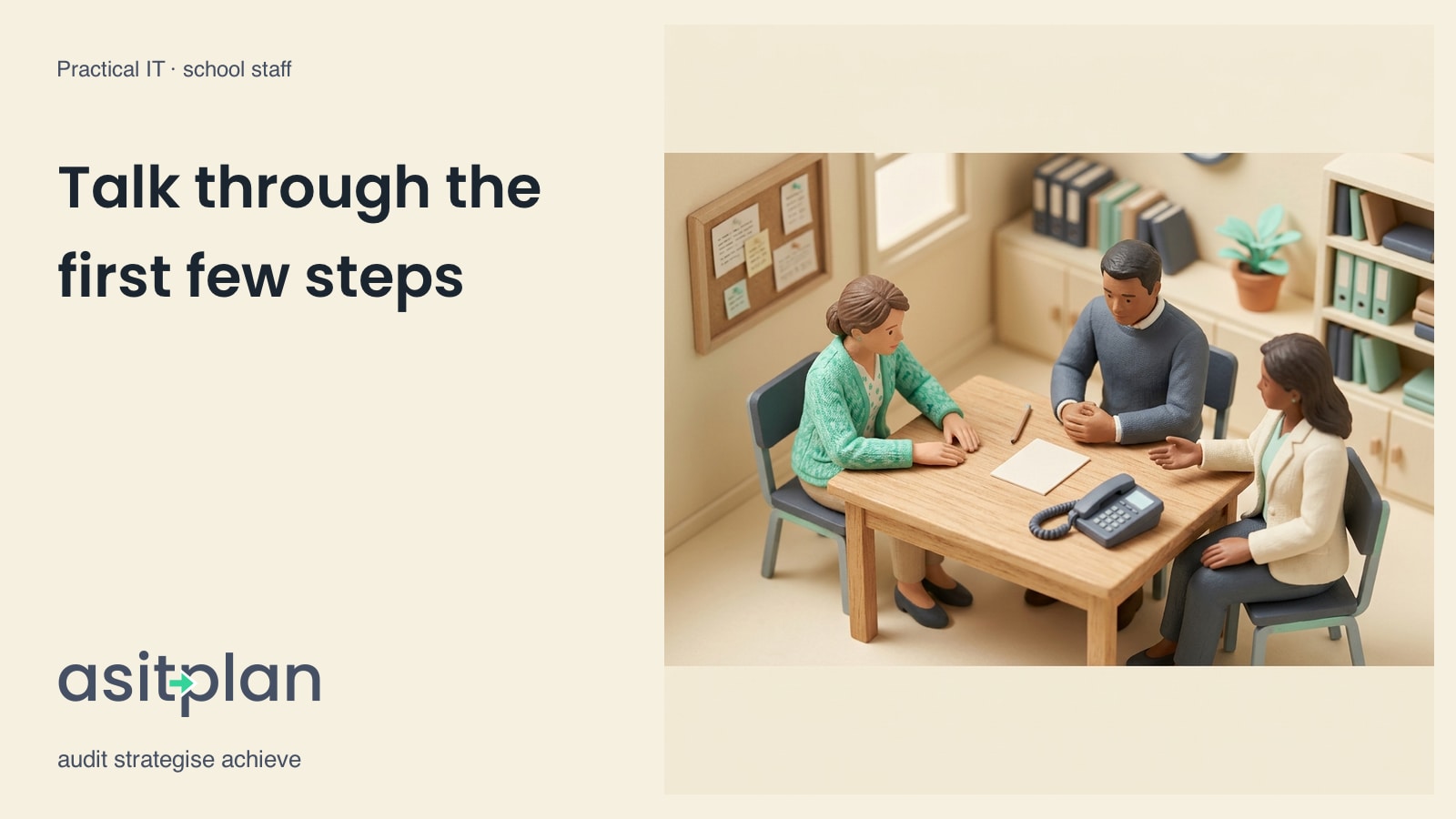
A scheduled, annual "Tabletop Exercise" where the Senior Leadership Team (SLT) and the IT team sit in a room and talk through a simulated cyber incident step-by-step. The goal is to find the flaws in the Incident Response Plan before a real attacker does.
Approach and Methodology
- The Scenario: Pick a realistic scenario. Example: "It is 7:30 AM on a Tuesday. The IT manager reports that the core servers are encrypted with ransomware, and the cloud backup repository is inaccessible."
- The Rules of Engagement: This is a discussion, not a technical simulation. Nobody is actually unplugging cables. The focus is on communication, decision-making, and policy.
- Step 1: Detection and Containment: Ask the IT lead: How did we find out? Who has the authority to sever the internet connection? (If the IT lead says "I need the Head's permission," but the Head is uncontactable, you have found a flaw).
- Step 2: Communication: The network is down, meaning email and VoIP phones are dead. Ask the SLT: How are we communicating with staff? How are we telling parents the school is closed? Where is the emergency contact list stored? (If it's on the encrypted server, you have found a flaw).
- Step 3: Safeguarding: The MIS is down. Ask the DSL: How are we checking which students have medical needs today? How are we logging safeguarding concerns without the digital system?
- The Hot Wash: Immediately after the exercise, document what went wrong and assign tasks to fix the gaps in the IRP.
Evidence to Retain
- A copy of the scenario used for the exercise.
- An attendance log proving the SLT and IT team participated.
- An After-Action Report detailing the lessons learned and the resulting updates to the Incident Response Plan.
Questions Leadership Should Ask
- "If our entire IT network was encrypted tonight, how would we physically communicate with our staff tomorrow morning?"
- "Who holds the definitive, printed copy of our Incident Response Plan?"
Common Pitfalls
- Making it an IT-Only Exercise: A cyber incident is a business continuity crisis, not an IT problem. If the Headteacher and DSL aren't in the room, the exercise is useless.
- Assuming the Backups Will Save You: Creating a scenario where the backups magically work perfectly. In a tabletop, always assume the primary backups have failed to test true resilience.
- No Follow-Up: Having a great discussion, finding critical flaws, and then failing to update the written plan or change any procedures.
How asitplan Can Help
asitplan allows you to store your critical compliance documentation and emergency procedures centrally. By maintaining an accurate, printed export of your core assets and vendor contact details, your team will have the baseline intelligence they need to navigate the initial hours of a cyber crisis.